
Currently Empty: $0.00

Computer Engineering
Deploying YOLO on AWS SageMaker with Terraform: Automating the End-to-End Vision Pipeline
- November 2, 2025
- Com 1
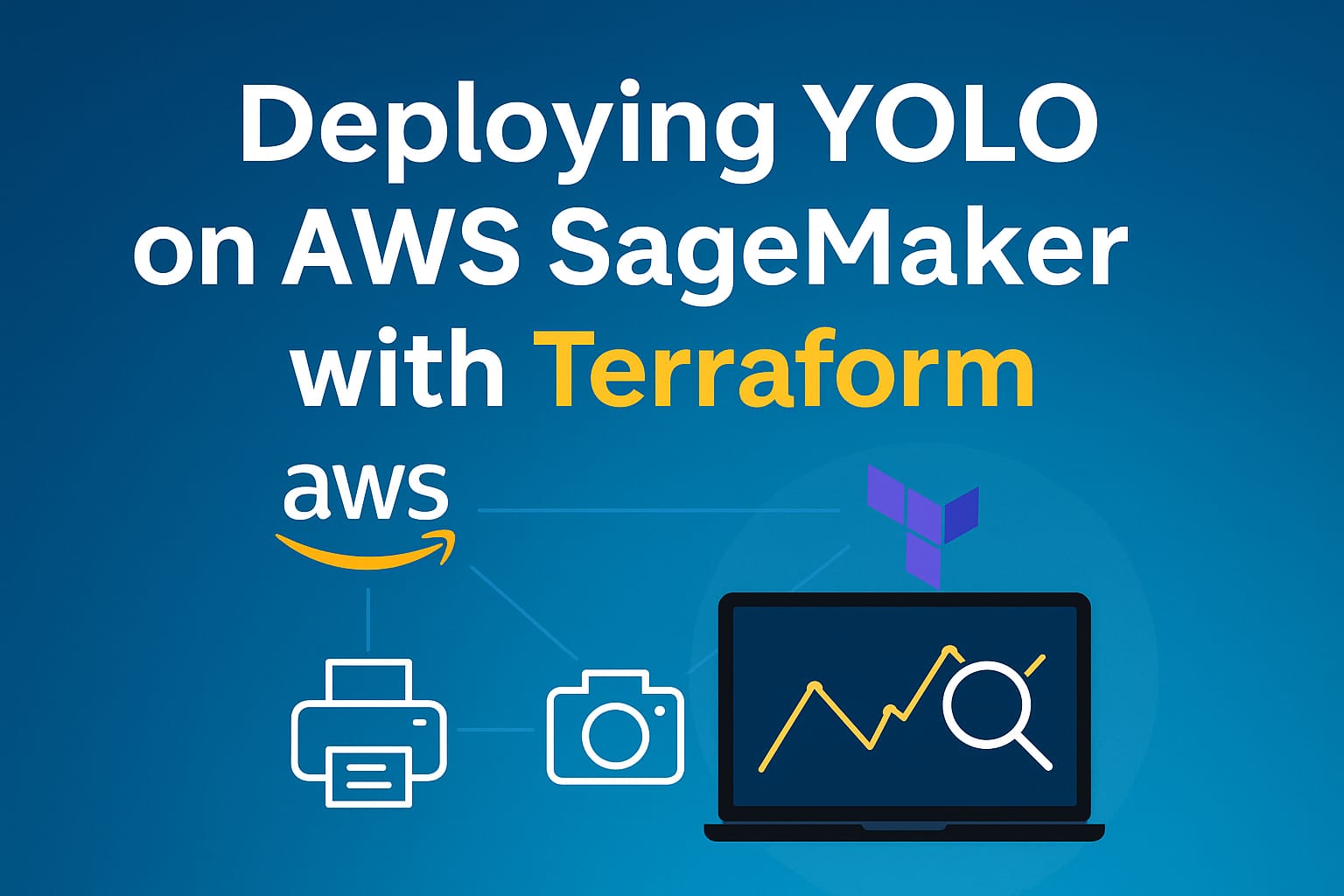
In today’s fast-moving world of computer vision, deploying object detection models quickly and reliably is critical. Using YOLOv5/YOLOv8 for high-accuracy detection and Terraform for infrastructure automation significantly accelerates production readiness. In this blog post, we’ll explore how to build a reproducible, scalable pipeline using Amazon SageMaker on AWS and Terraform, refer to the GitHub repository https://github.com/vietanhdev/sagemaker-yolo-terraform
Why SageMaker + Terraform?
Reproducibility – Terraform lets you define compute resources (S3 buckets, IAM roles, SageMaker training jobs, endpoints) in code.
Scalability – SageMaker handles distributed training, endpoint auto-scaling, and model versioning.
Maintainability – Changes to infrastructure (instance types, hyperparameters) are captured in Terraform and tracked via version control.
Architecture Overview
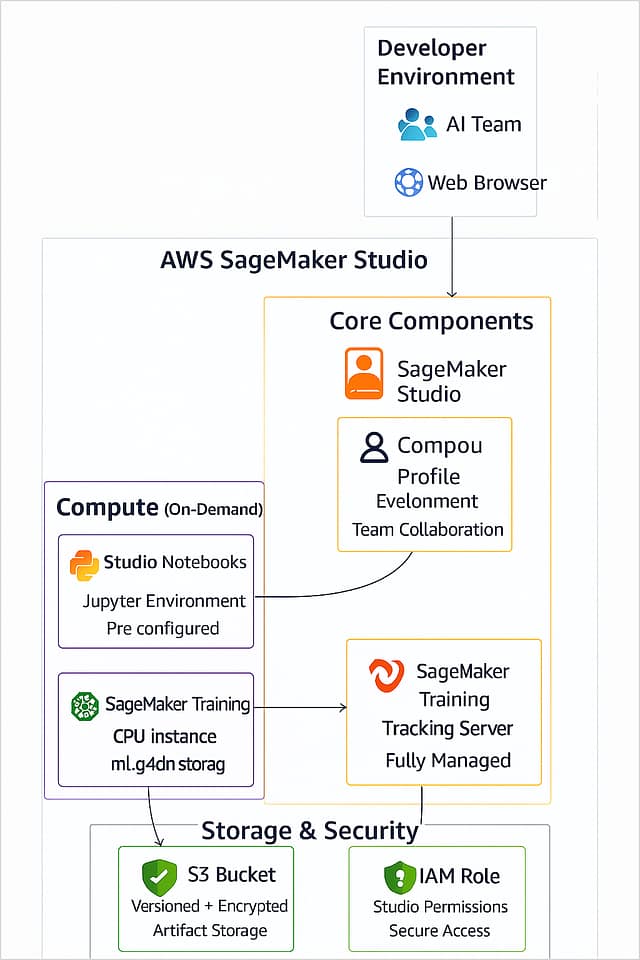
Here is a high-level view of the solution:
Terraform provisions: S3 buckets, IAM policies, SageMaker training and inference resources.
Data pipeline: Upload dataset → transform to image/time-series representations (if needed) → store in S3.
Training job: SageMaker launches a container with YOLO, trains on the dataset, logs metrics.
Endpoint deployment: Once training is complete, an endpoint is created for real-time inference.
Inference & monitoring: Incoming images are sent to the endpoint; predictions returned and optionally stored for further analysis.
Project Structure
sagemaker-yolo-terraform/
├── main.tf
├── variables.tf
├── outputs.tf
├── modules/
│ └── sagemaker_training/
│ ├── train.py
│ ├── inference.py
│ └── requirements.txt
└── datasets/
└── your_object_detection_dataset/
main.tf,variables.tf,outputs.tf: Define and parameterize AWS resources via Terraform.modules/sagemaker_training/: Contains the actual training and inference logic using YOLO within SageMaker.datasets/: Placeholder for your own labelled images for object detection.
Step-by-Step Deployment
Install prerequisites
pip install awscli terraform

aws configure  # set up your AWS credentials
Initialize Terraform
terraform init
Apply infrastructure changes
terraform apply -auto-approve
This will create S3 buckets, IAM roles, a SageMaker training job, and (optionally) a SageMaker endpoint.
Upload your dataset to the designated S3 bucket.
Start training by executing
train.py(via SageMaker Job).Deploy the model to an endpoint and test inference using
inference.py.Monitor results and review metrics/logs via SageMaker console.
Conclusion
By integrating YOLO for object detection, SageMaker for managed training and serving, and Terraform for infrastructure automation, you achieve a bridge between high-performance AI and production-ready systems.
ll mr
thanks